Sometimes the best discoveries happen completely by accident.
From Chalk Walls to Dakboard and Everything in Between — How a Visual Thinker Finally Found Her System.

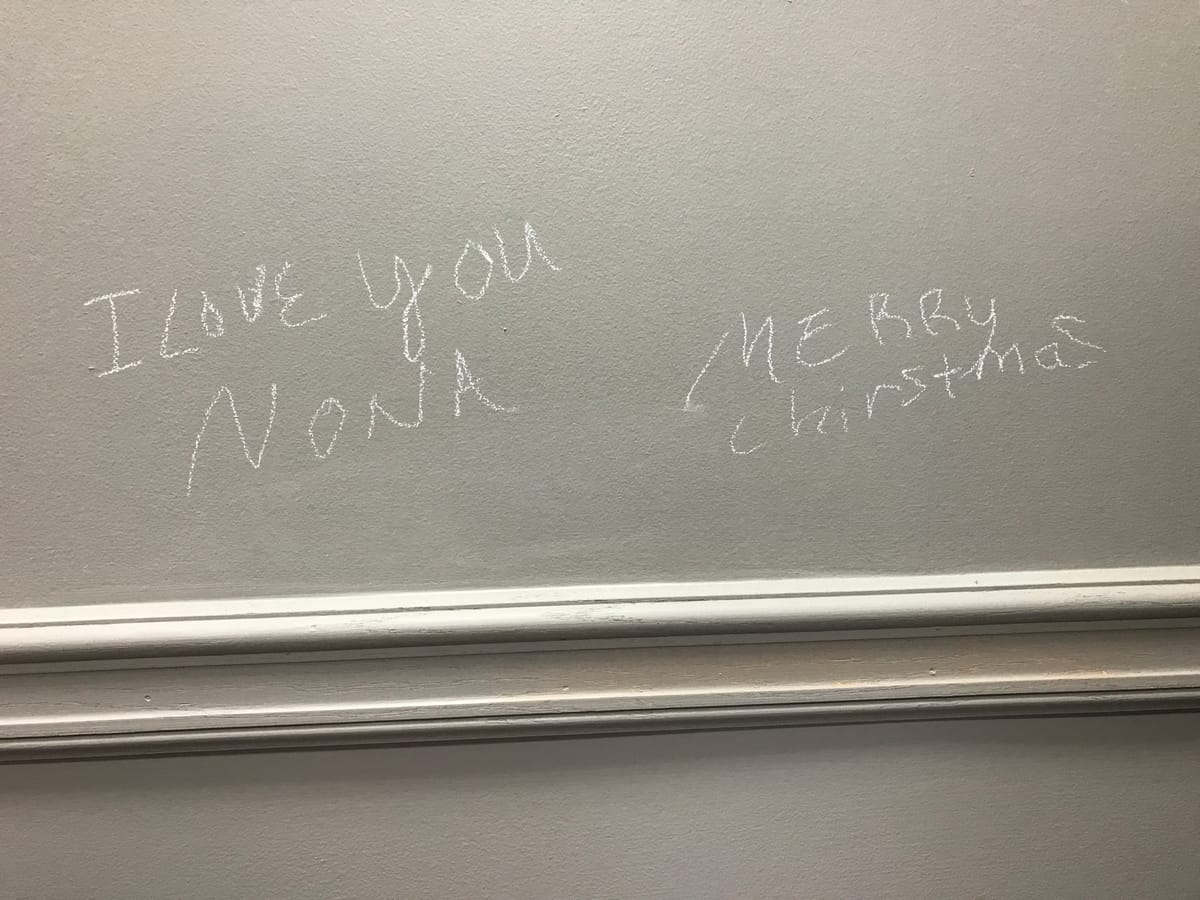
It started with a piece of chalk.
I was walking out of my office one day when my phone rang. I grabbed the nearest thing I could write with — a piece of chalk — and wrote a message directly on my office wall. And just like that, my chalk wall was born.
For years my office walls were covered with color-coded chalk notes, closings, prospects, goals and everything in between. It became a thing. People loved it. And I loved the visual.
I upgraded and moved offices. I moved again. And somewhere along the way the chalk wall had to go.
I used Sticky notes. Bulletin boards. Chalk boards. All good tools for a visual person but they became messy. I needed to SEE everything. In a neat package. Not just on my phone or opening a tabs on my computer. I needed it in front of me, always, the way the chalk wall used to be. Then I found Dakboard.
What is Dakboard?
Dakboard is a customizable digital display that pulls everything you need — your calendar, your to-do lists, weather, news, photos and more — and puts it all on a screen in one beautiful, organized view. Think of it as your digital command center. Set it up once and it just runs — always on, always current, zero maintenance. When you update your calendar, Dakboard updates. When you update your task list, Dakboard updates.
There was a learning curve of course. I first connected the CPU to a 24" TV. The clarity was not good and the TV was not needed. I returned it for an Acer monitor.
Here's what my setup looks like:
I have three Dakboard screens that rotate throughout the day. My first screen is a full monthly calendar pulling from multiple sources — my Gmail calendar, my real estate transaction calendar, time management and even my mother's calendar — all color coded and rolling right in front of me all day long.
My second screen has a rolling seven day agenda at the top, a three day view on the side, a scrolling to-do list, a text block for upcoming closings, and a dedicated section for the people, tasks I simply cannot afford to forget. Right there. Always visible.
My third screen is my closing board — what's happening in January, February, March, April — color coded and always in front of me.
No more opening seventeen tabs to find what I need. Just one screen that tells me everything.
Another positive. With Dakboard I can simply turn off the screen during meetings. All my calendars, my closings, my prospect lists, my private business information turned off during the visit. No messy bulletin boards. My business stays private. Meeting over and I turn it back on and pick up right where I left off.
What does it cost?
The Dakboard CPU — the little device that runs everything — is around $180. The subscription runs about $95 per year. That's less than $8 a month for something I use every single day. There are other options available to choose from as well. My one wish? The plan I chose came with 3 screens. I could easily use 5. Check their website for options that might better fit your needs.
Who is Dakboard for?
Everyone. Truly. I'd recommend it to busy parents, small business owners, real estate agents, anyone running a household with multiple schedules, or anyone who like me — just needs to SEE their life laid out in front of them to feel truly organized. And my family can keep an eye on our life as well.
It's not just a tech gadget. It's a system. And as someone who has tried every system imaginable, this one has genuinely stuck but, these are my opinions entirely from my own experience. Visit Dakboard.com for more information and to see if this system would work for you! I would love to know your thoughts!